Free wedding seating chart makerYour seating chart, done in an evening.
Paste your guest list, drag people to tables, print the poster. The real planner is right below — go ahead and drag someone.
Free in your browser · No sign-up to start · No guest limit while you design
This is the real planner. Drag a guest onto a chair, swap two people, change the theme — nothing here is saved.
Three steps, one evening
-
1
Paste your list
Amelia Hart
Jonah Hart, Bride’s family
Priya Raman, College friends
…or drop an Excel or CSV fileGroups, households, RSVPs, meals and dietary notes come along with the names.
-
2
Drag to tables
Or press Arrange: it seats everyone, keeps households together and keeps apart the people you say.
-
3
Print and share
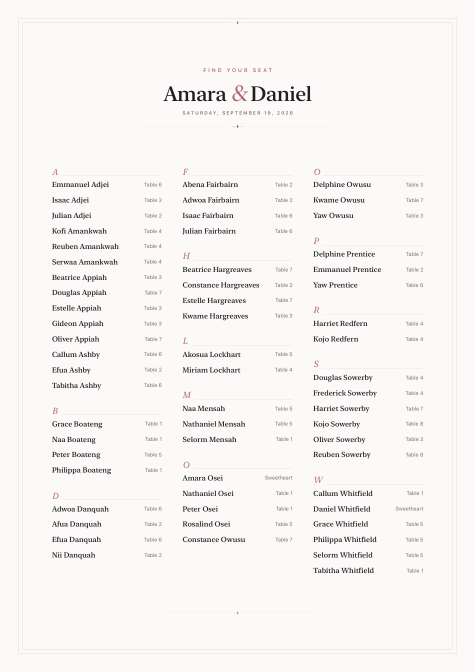
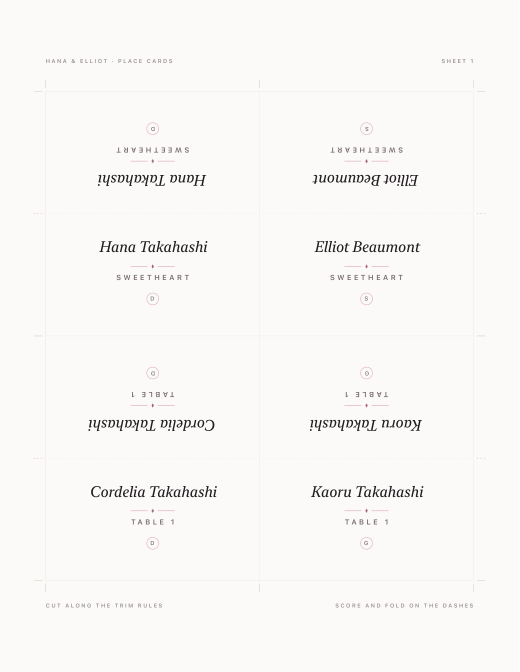
A seating poster, place and escort cards, the caterer’s lists, and a QR page where guests find their table.
A feet-accurate canvas on dotted paper
Everything is direct manipulation. The room auto-fits your plan until you set a size; Auto Space un-overlaps everything.
-
01
Nine drawn themes
Ivory by default through Gilded espresso-and-gold, with per-table custom colors.
-
02
Eight table shapes, 300-seat rows
Drag with alignment guides, rotate with a snapping grip, corner-drag resize, live-typing dimensions.
-
03
27 drawn venue objects
Dance floor, bar, stage — or build custom areas from a catalog of about a hundred icons.
-
04
CAD import at exact scale
Bring in the venue's real DXF drawing and plan on top of it — true dimensions, not a traced guess.
Drag a guest. The chart does the rest.
A halo on the landing chair, a dotted trail from the one they left. Drops on occupied chairs swap.
Import
Paste, CSV, or straight from Contacts. Groups, households, RSVP, meals, dietary.
Rules
Keep-apart rules and a deterministic auto-arrange that keeps households together.
Checks
A panel that flags capacity, rule violations, and split parties before they become dinner problems.
Safety net
Undo everywhere, autosave, version history with undoable restore.
Some people shouldn't share a table. Some must.
Keep-apart rules hold the line — Uncle Ray and Uncle Sam, never the same table. Households and parties stay together through every auto-arrange. The Checks panel flags a violation the moment it appears, not on the day.
It ends in stationery, not a screenshot
A2 seating poster
Six designed styles across four print sizes, with crop marks and bleed for the print shop. Preview and customize live before sharing.
Cards with cut-and-fold guides
Tent place cards and escort cards, ready for the paper you've already chosen.
Lists for the crew
Per-table caterer lists, CSV, PNG, vector floor plans — and any finished PDF can become a 60-day link.
This is what comes out of it
Every sheet here was written by the app’s own export pipeline — true vector PDF, drawn at print size. Eleven pieces, eleven different weddings. Nothing on this band is a mockup.
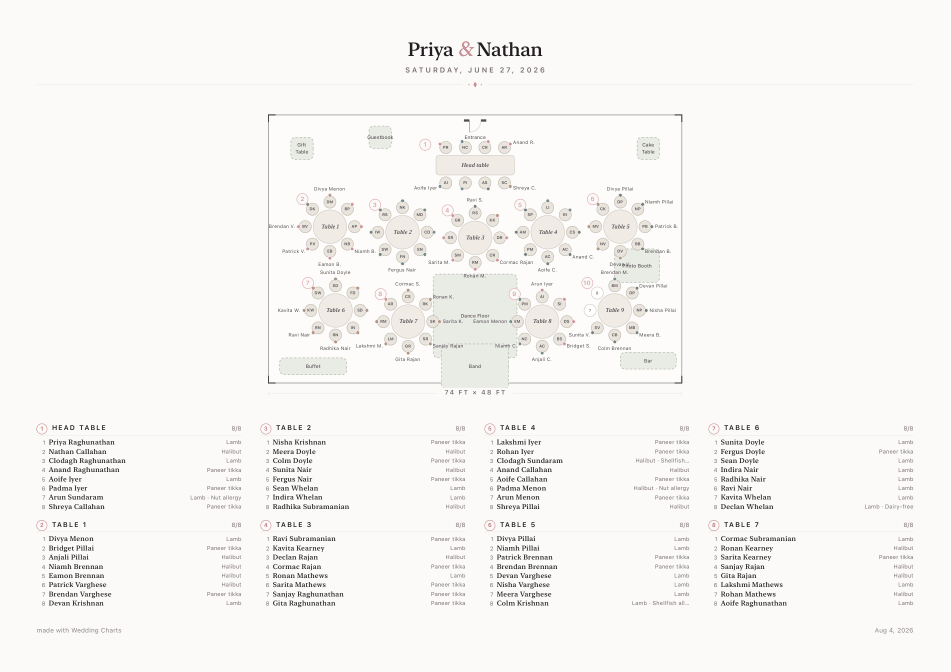
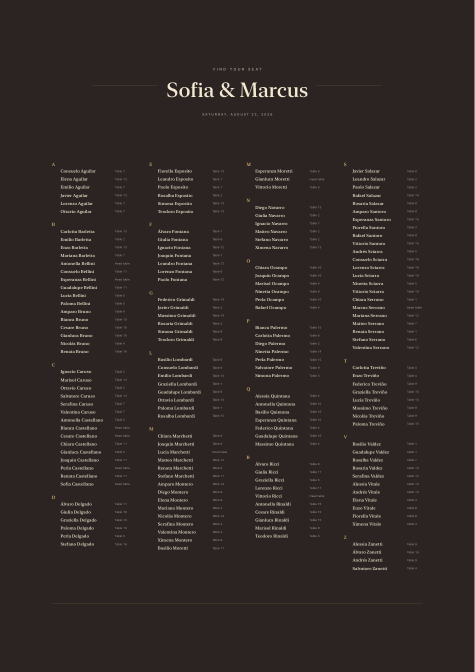
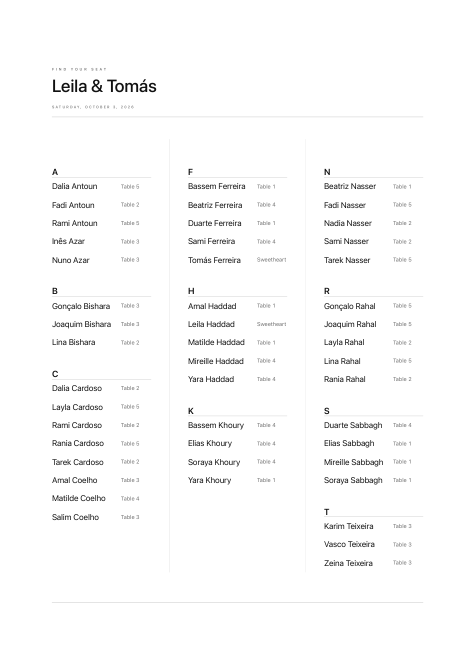
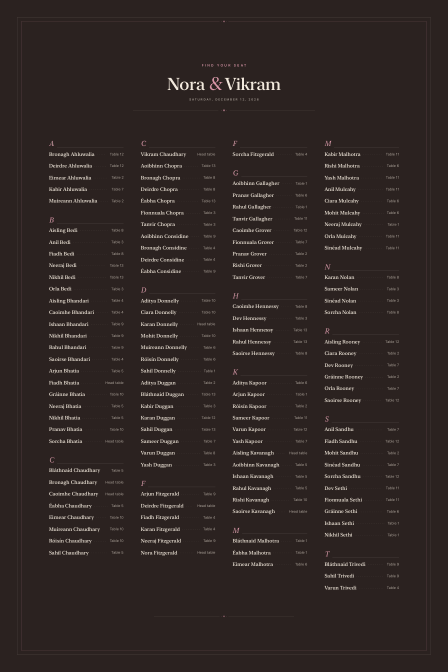
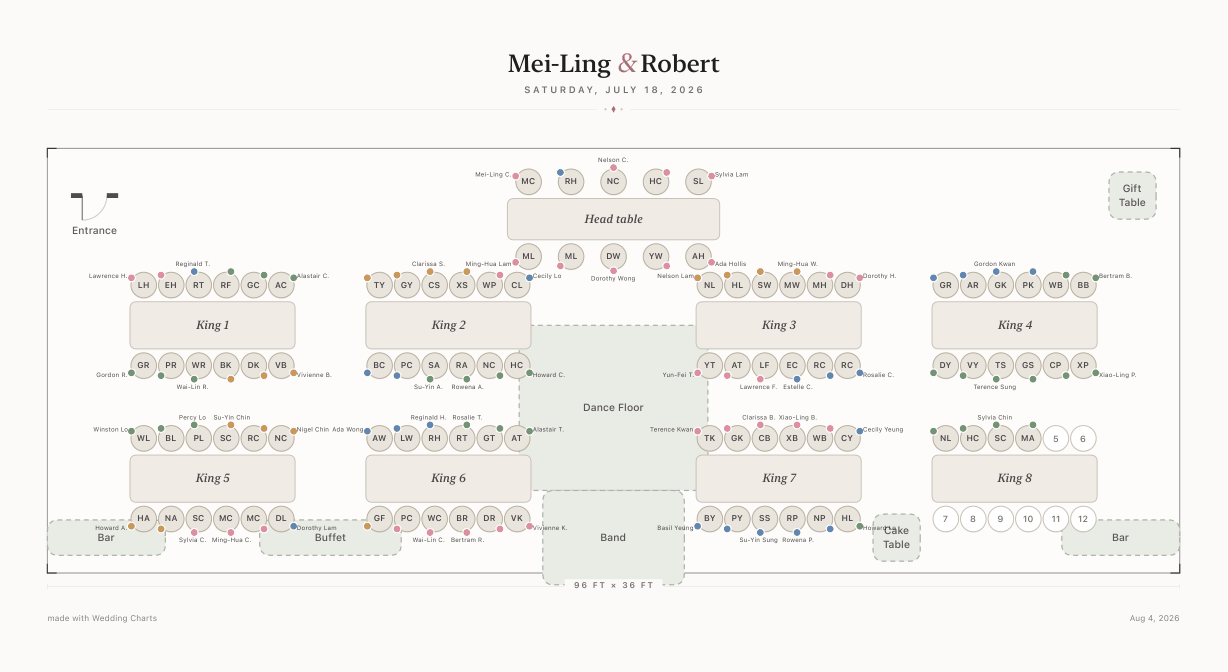
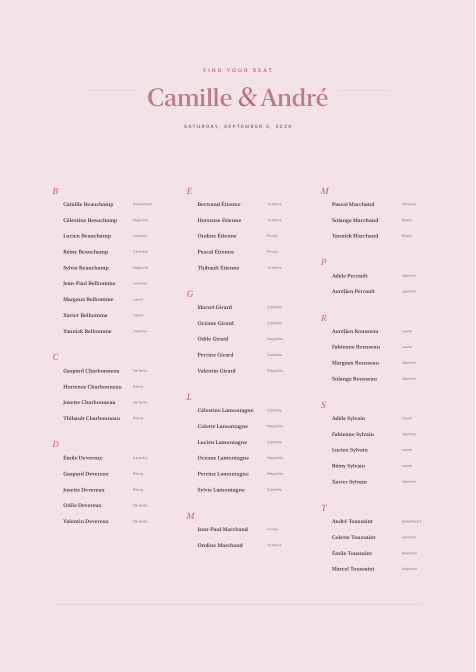
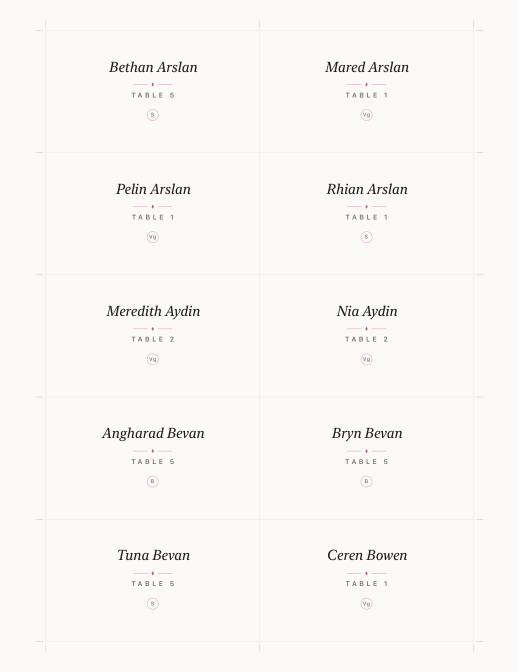
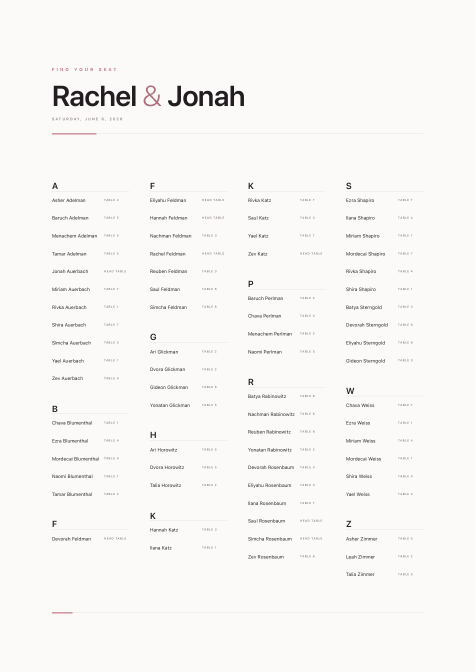
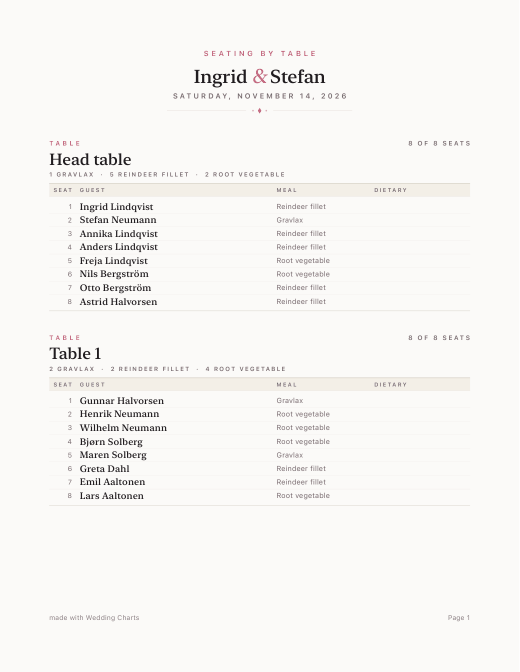
All six poster styles, shown at A2, A1 and 24 × 36 in · also 18 × 24 in, with optional crop marks and bleed · cards and lists on US Letter
A “find your seat” page guests actually use
Publish a private page — names and tables only, unlisted URL. Print the QR on the welcome sign. Republish after changes. Take it down anytime.
Scan · Find your table
Start free. Save when you’re ready.
The editor is free to use, with no account and no card. A plan adds saving, every export and the guest page — and decides how many weddings you run and who sits at the board with you.
Free
$0Try the whole editor before you pay a cent.
- The full editor — floor plan, guests, rules and auto-seating, with no guest limit.
- No account, no card. Open it and start dragging.
- No saving. Your chart stays in this browser until you create an account.
- No PDF downloads, sharing or guest QR page.
Free for as long as you like.
Couple
$19a yearYour wedding weekend, planned by the two of you.
- Up to three events — the reception, the rehearsal dinner, the morning-after brunch — with no cap on guests, tables or exports.
- One seat to share. Your partner gets the board’s join code, makes their own free account and edits alongside you.
- Saved to your account on every device, with version history.
- Every PDF, the guest QR page, and every feature listed below.
- Plan in any browser — and open the same charts in the Mac app.
7 days free, no card needed. Then $19 a year.
Planner
$99a yearEvery wedding on your books, in one place.
- Unlimited events — a board per couple, all under your own account.
- Two shared seats on every board — the couple, or a second coordinator.
- One join code per board. You stay the owner: only you can manage seats or delete.
- Everything in Couple.
7 days free, no card needed. Then $99 a year.
Anyone you invite by code joins free, on your plan. Upgrade from Free and the chart you already made comes with you.
The whole product, on both plans
The floor plan
- A feet-accurate canvas on dotted paper — pan and zoom, or fit the whole room to the frame.
- Eight table shapes: round, rectangle, square, oval, U-shape, serpentine, sweetheart, highboy — up to 24 seats each.
- Ceremony chair rows: up to twelve rows and 300 seats in one block, chairs facing the front.
- 27 drawn venue objects, from the dance floor to the coat check — plus build-your-own areas with any name, any tint and a 104-symbol catalogue.
- Drag with alignment guides, rotate with a grip, corner-drag to resize, type exact dimensions, copy, paste, duplicate, lock.
- The room sizes itself around the plan until you set a size. Auto Space un-overlaps everything in one move.
How it looks
- Nine canvas themes: Ivory, Blush, Sage, Slate, Champagne, Dusty Blue, Lavender, Terracotta and Gilded.
- Two chair looks — Flat or Dimensional — and a custom tint on any table or venue object.
- Seats can carry initials or full names.
- Gilded runs espresso and gold on the canvas — and the seating poster has a Gilded style cut to match it.
- Every choice repaints the plan live, and follows through into the exports.
Guests
- Groups with their own colours; households and parties that stay together.
- Plus-ones that come with their host and leave with them.
- RSVP: pending, attending, declined — declined guests drop out of the cards and the guest page.
- Meals, typed freely, with the ones you have already used offered back as chips. Dietary notes and a private note per guest.
- A guest panel that collapses to a slim rail when you want the room.
Seating
- Drag a guest anywhere and they take the nearest free seat — drop them on a taken one and the two swap.
- Keep-apart rules, honoured by hand and by the optimizer.
- A deterministic auto-arrange: households seated whole, rules respected, the result scored out of 100. The same plan always gives the same answer.
- A Checks panel that finds keep-apart clashes, over-capacity rooms, unseated guests, split parties, guests sitting alone and empty tables.
- Unseat all, undo and redo everywhere, and autosave throughout.
Getting the list in
- Paste a list straight from a note or a spreadsheet.
- CSV import that copes with CRLF, quoting, odd encodings and comma, semicolon or tab.
- Apple Contacts, in the Mac app.
- CAD floor plans: DXF at exact scale, walls, columns, arcs and labels, with unit detection you can override.
- Or start from one of four templates at wedding scale, or a guided New Event sheet.
What you print
- The seating poster in six styles — Classic, Modern, Evening, Gilded, Blush, Minimal — at A2, A1, 18 × 24 or 24 × 36 in, ordered by surname, first name or table.
- Crop marks, 0.125 in bleed and a slug line when the print shop wants them.
- Tent place cards four to a sheet with cut and fold rules; escort cards ten to a sheet; meal marks optional on both.
- Per-table lists for the caterer, with meal tallies and a dietary column.
- The floor plan as vector PDF, with or without the full table list, and as a 2× PNG.
- The guest list as CSV. Every piece previews live as you set the options.
For your guests
- Publish a find-your-seat page: names and tables only, nothing else leaves the plan.
- An unlisted address that search engines are told to ignore.
- A QR code drawn in the app for the welcome sign, at the highest error correction so it survives a print.
- Republish after a change; take the page down whenever you like.
Across your devices
- Any browser first: sign in on another computer and your charts are there. The Mac app opens the same document, the same file format, edited from either side.
- Sign in with Google, a password, an emailed six-digit code or Apple.
- Version history: a snapshot about every ten minutes, and restoring is itself undoable.
- Share a finished PDF as a link that lasts 60 days.
- The app works signed out, on the device, whenever you want it to.
Contacts import and export share links are app features. On the web, the poster and the cards print through your browser; PNG and CSV download directly.
Seating chart questions, answered
Is the wedding seating chart maker free?
Yes. Designing is free in your browser with no guest limit and no card: lay out the room, import your list, seat everyone and preview every PDF. Saving the chart to an account, downloading the PDFs, sharing with your partner and the guest QR page come with Couple at $19 a year (7 days free), or Planner at $99 a year if you run several weddings.
How many guests fit at a 60-inch round table?
Eight guests sit comfortably at a 60-inch (5 ft) round, and ten will fit if you are willing to sit people closer than most caterers like. A 72-inch (6 ft) round takes ten comfortably and twelve at a squeeze. An 8 ft banquet rectangle seats eight, or ten with a place at each end.
How do I make a wedding seating chart?
Lay out your tables to match the room, bring in your guest list, then place people. In Wedding Charts you drag a guest onto any free chair, or drop them on a taken one and the two swap. Add keep-apart and keep-together rules for the pairs you already worry about, then run the optimizer and it seats the rest around those rules.
Can I import my guest list from a spreadsheet?
Yes. Paste straight from a spreadsheet or upload a CSV — commas, quotes and the odd encoding a spreadsheet exports are all handled. In the Mac app you can also pull names in from Contacts.
What can I print at the end?
A large seating poster, escort cards and place cards with cut-and-fold guides, per-table lists for the caterer and venue, a floor plan with a table list, plus PNG and CSV. They are drawn as true vectors, so they stay sharp at any print size.
Can guests look up their own table?
Yes. Publish a private find-your-seat page showing names and tables only, on an unlisted URL, and print its QR code on your welcome sign. Republish whenever the chart changes, and take it down whenever you like. Those pages are never indexed by search engines.
Do I need to install anything?
No. The planner runs in your browser, on any computer or tablet, and you can start without an account. If you prefer a desktop app, there is also a Mac app that opens the same charts.
Start with your guest list.
Free in your browser. Create an account only when you want to keep it.
Start my seating chart